

Take bookings on your own website
Add DeskLinq’s booking widget with one line of code. Visitors book day passes and meeting rooms and pay — without leaving your site. You get every booking on WhatsApp and email.
- Free to add
- Live availability and prices from your DeskLinq listing
- Your brand colour, your corner of the page
- Payment online or at your space - your choice
Try a colour — the demo updates live
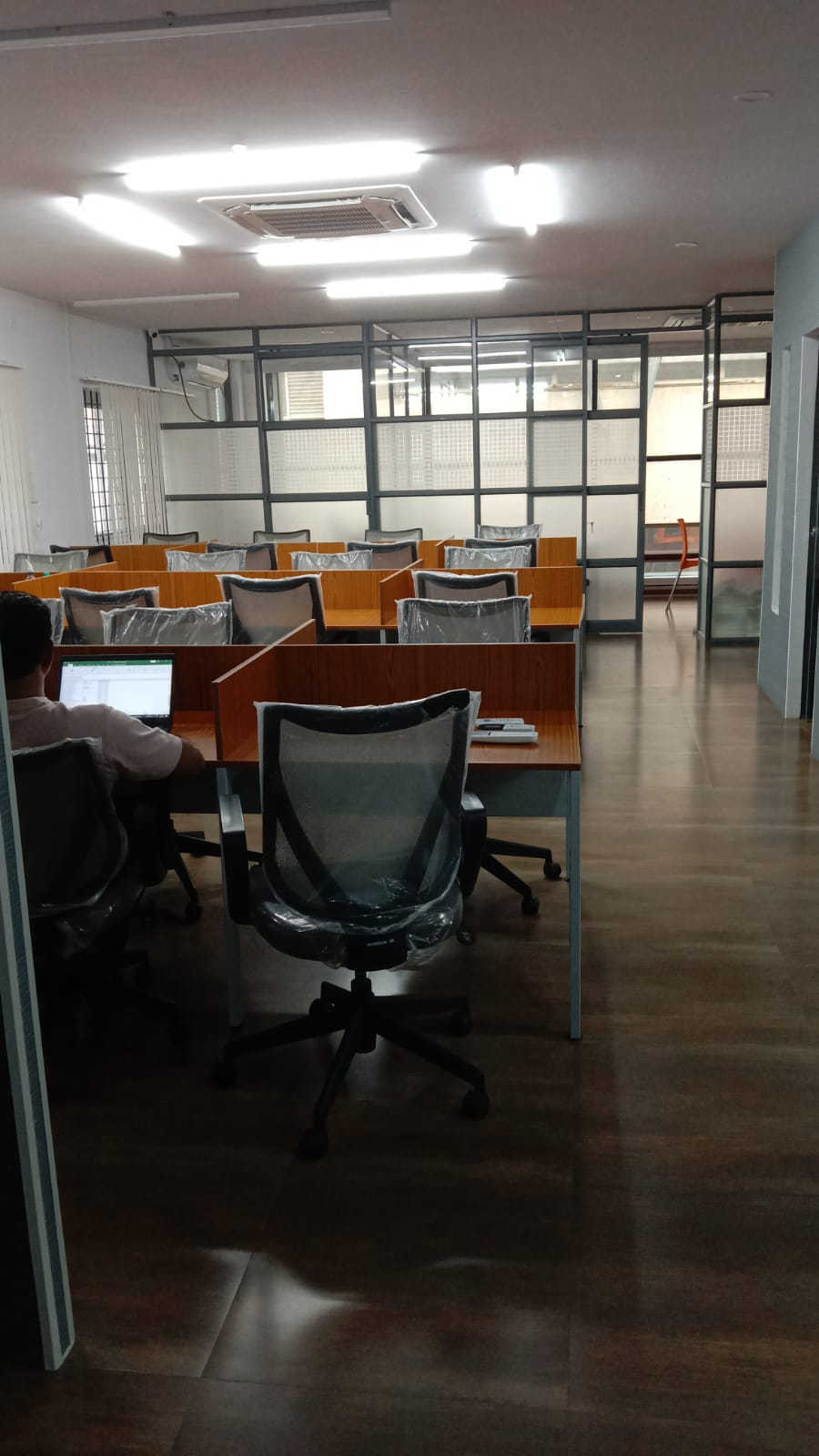
Coworking in Hebbal
Day passes, meeting rooms and private cabins
Day pass
Book by the day
Meeting rooms
Book by the hour
Cabins
Monthly plans
Live on your site in three steps
- 1
Find your space
Search your space’s name on “Is your space listed?”. Not on DeskLinq yet? List it free first.
- 2
Pick your colour and corner
Choose your brand colour and which corner the button sits in - the preview updates as you go.
- 3
Paste one line
Copy the code onto your website (or email it to whoever runs it). Bookings start straight away.
Questions operators ask
Is it free?
Yes - adding the booking widget to your website is free.
What can visitors book?
Day passes and meeting rooms from your DeskLinq listing, with live availability and your prices. For cabins and offices they can send you their requirement.
How do payments work?
The widget follows your payment setting on DeskLinq: customers pay online when they book, or pay at your space when they arrive.
How do I hear about a booking?
Every booking reaches you on WhatsApp and email, and shows in your DeskLinq dashboard.
Does it work on any website?
Yes - WordPress, Wix, Squarespace, Webflow or a custom site. It’s one line of code, added before the closing </body> tag.
I’m not listed on DeskLinq yet
List your space first - it’s free and takes a few minutes. Then come back and get your widget.